AI-Powered Quiz Generation
Upload your study notes in TXT, Markdown, or PDF format and let our AI do the rest. StudyBuddy analyzes your material and generates relevant multiple-choice questions that test your understanding — not just memorization. Each quiz is unique and tailored to your specific notes.

Weak Topic Focus
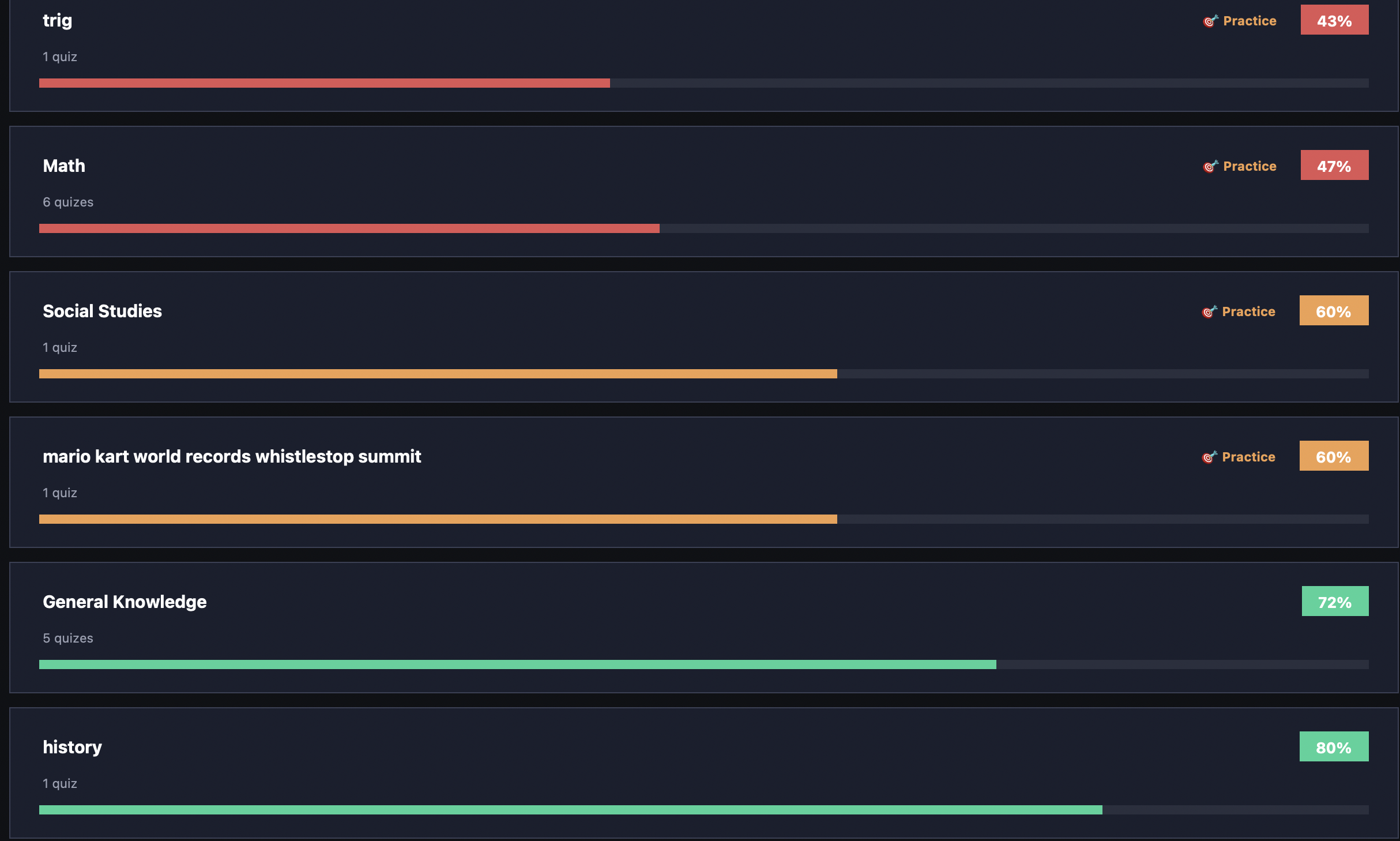
StudyBuddy tracks your performance across every subject. When it detects you're scoring below 70% on a topic, it flags it as a weak area. With one click, you can generate a targeted quiz that focuses on the most challenging and commonly misunderstood aspects of that subject.
Explanations on Wrong Answers
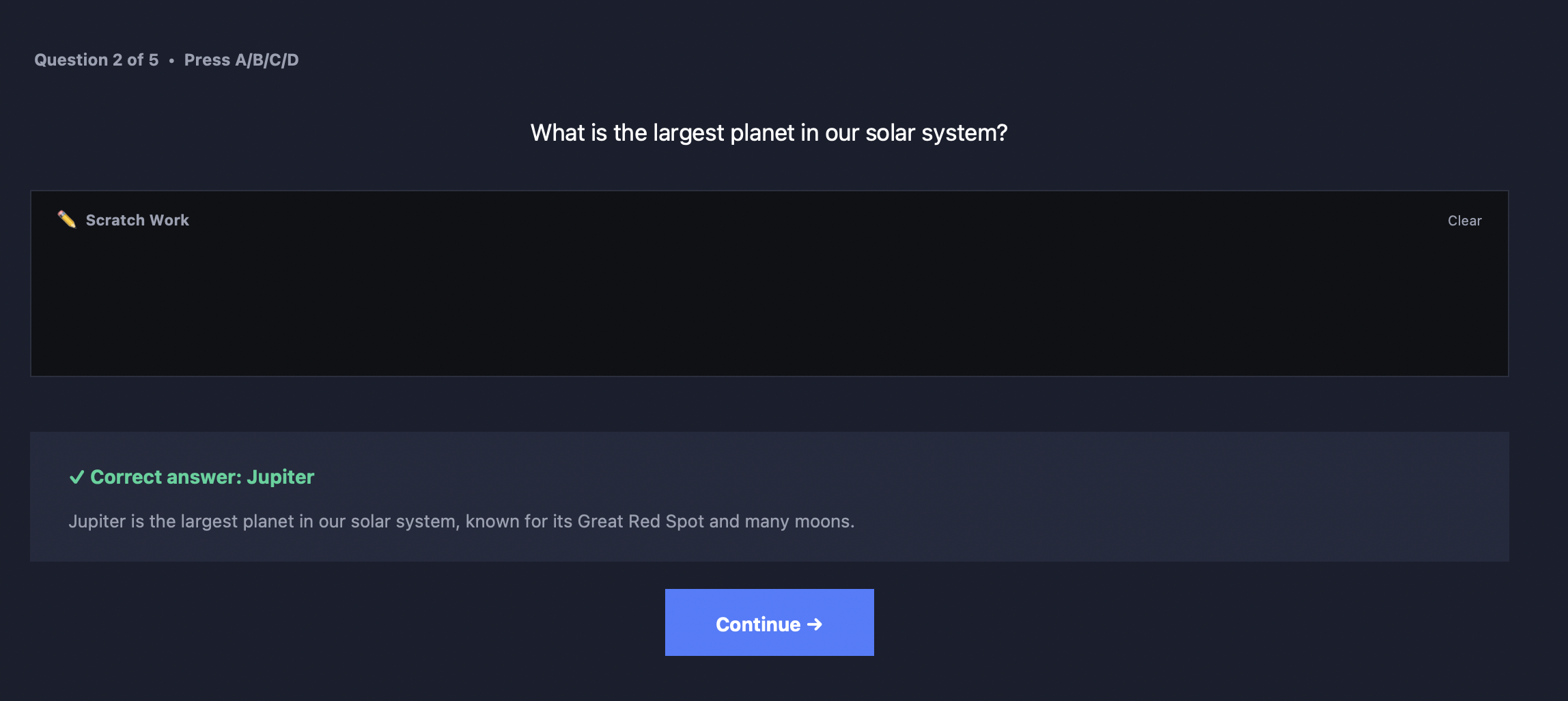
Learning from mistakes is the fastest way to improve. When you answer a question incorrectly, StudyBuddy shows you the correct answer along with a clear AI-generated explanation of why it's right. Review all your mistakes after each quiz in the Review Mistakes panel.
Detailed Progress Tracking
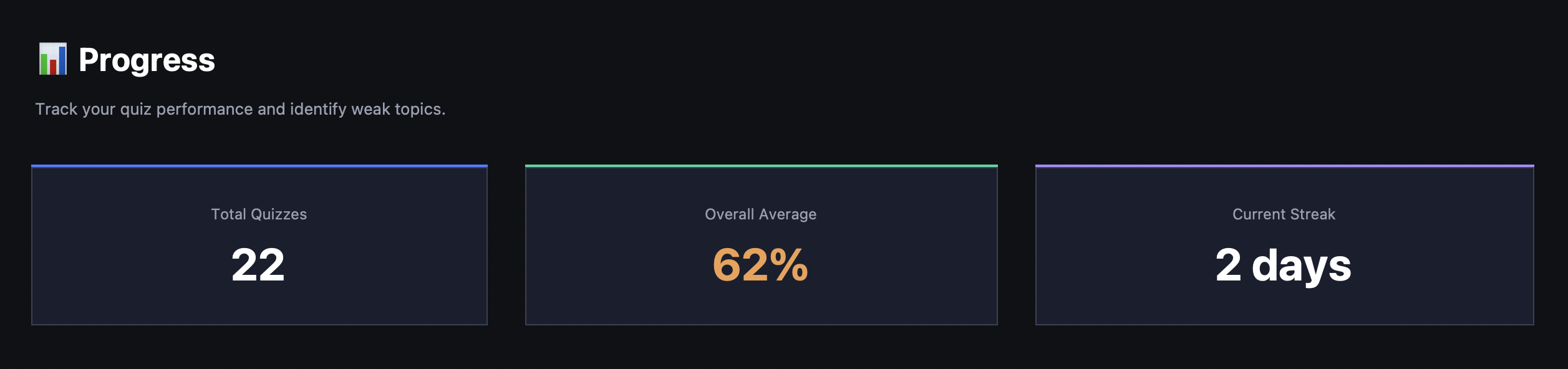
See your improvement over time with beautiful analytics. Track total quizzes taken, overall average score, and daily streaks. Per-subject cards show your average with color-coded progress bars so you can instantly see where you're strong and where you need work.
Cloud Sync Across Devices
Sign in with your Google account to sync your quiz history, streaks, notes, and scheduled tests across all your devices. Your progress is automatically backed up to the cloud so you never lose your data, even if you switch computers or reinstall the app.
Multi-Format Note Support
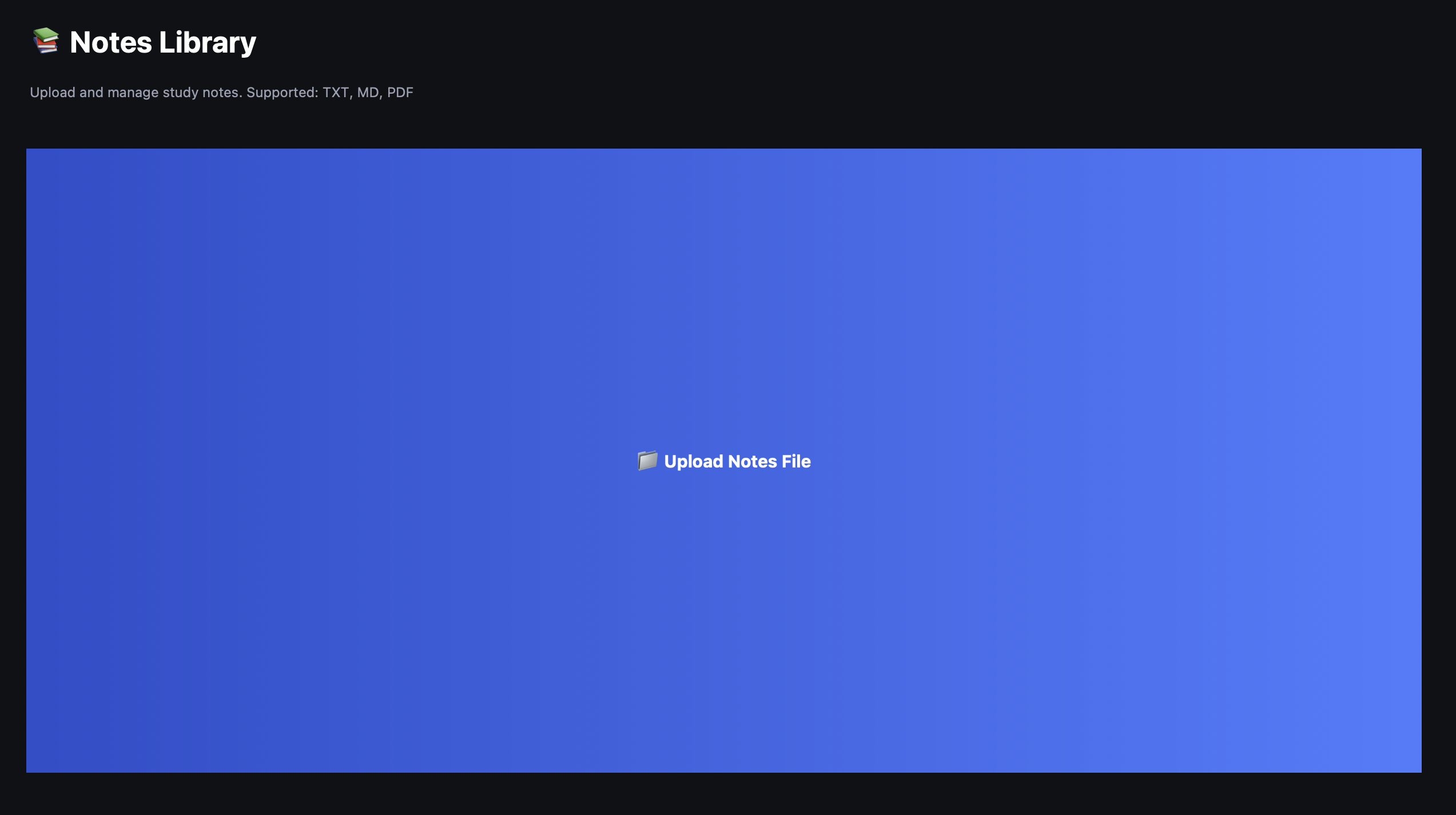
Upload notes in the format that works for you. StudyBuddy supports plain text (.txt), Markdown (.md), and PDF files. PDFs are parsed with text extraction, and for scanned documents, built-in OCR reads the text from images. Attach multiple note files to a single test.
Scheduled Tests
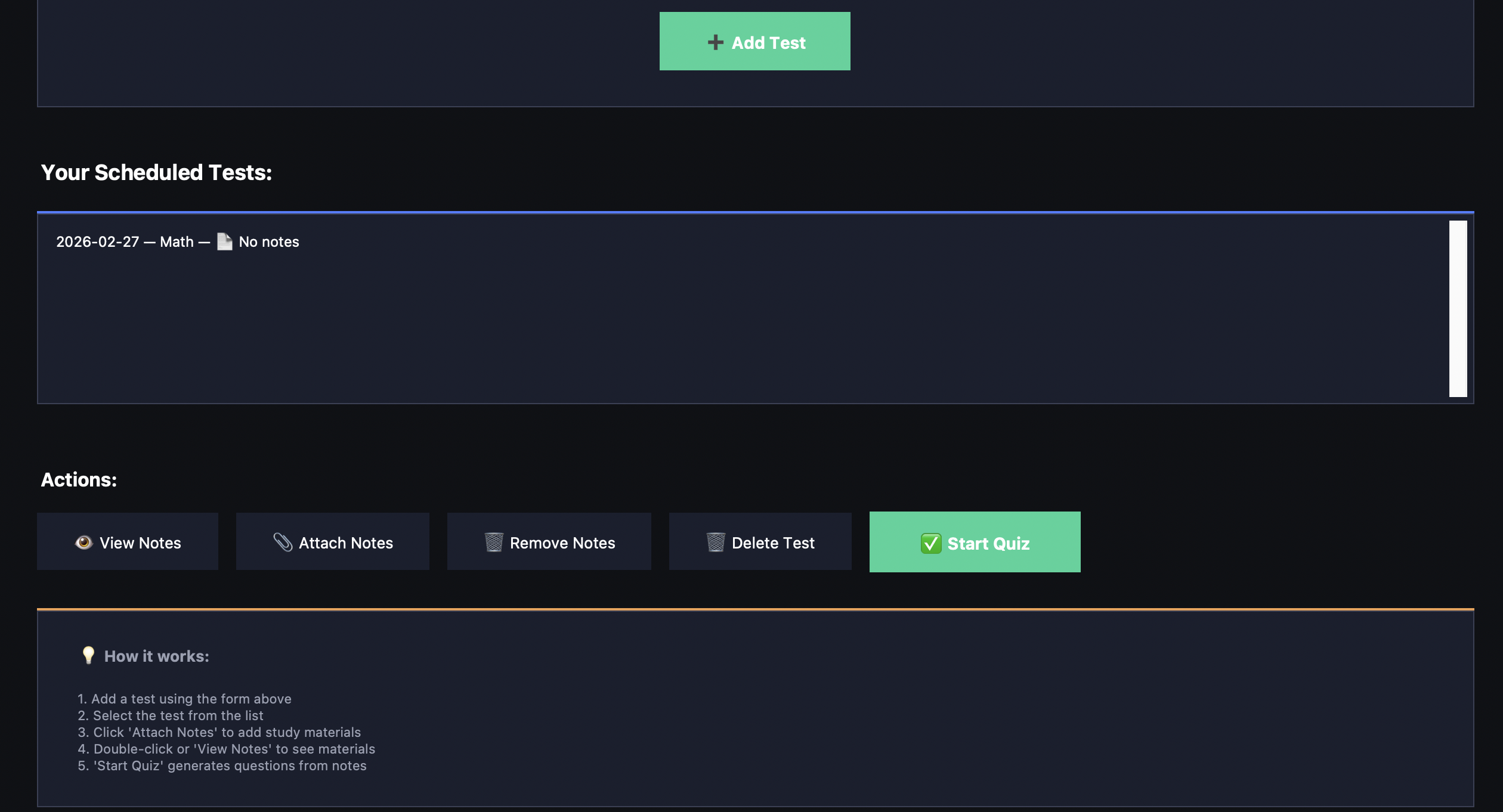
Plan ahead by scheduling tests with dates. Attach your study notes to each test and quiz yourself when the time comes. Tests automatically clean up after their date passes, keeping your workspace tidy. You can also delete tests manually at any time.
Scratch Work Whiteboard
Need to work through a problem before answering? Use the built-in scratch work area right in the quiz view. Jot down calculations, notes, or reasoning without leaving the app. It persists between questions and clears automatically when you start a new quiz.
